Wireguard Lab Panel
Many of my home server services are accessible only via Wireguard, but I must admit that I do not often rotate the Wireguard peers keys... And the last time I had to reconnect my laptop after a fresh install, I had to spend too much time debugging a dumb issue.
More importantly, if I loose access to my laptop, I need a way to recover my access to my lab again.
For that, I can age-encrypt a config file that stays on a share, which I can use the day I will need to.
But, that's a lot easier to simply have a web interface, that allows me to enroll a new public key if I've my Yubikey.
So I've made a small web app to manage that: it's a single-user app, authentication is passkey-only, enrolling a new passkey requires a manual edit, and it gives a form to enroll new public key on Wireguard.
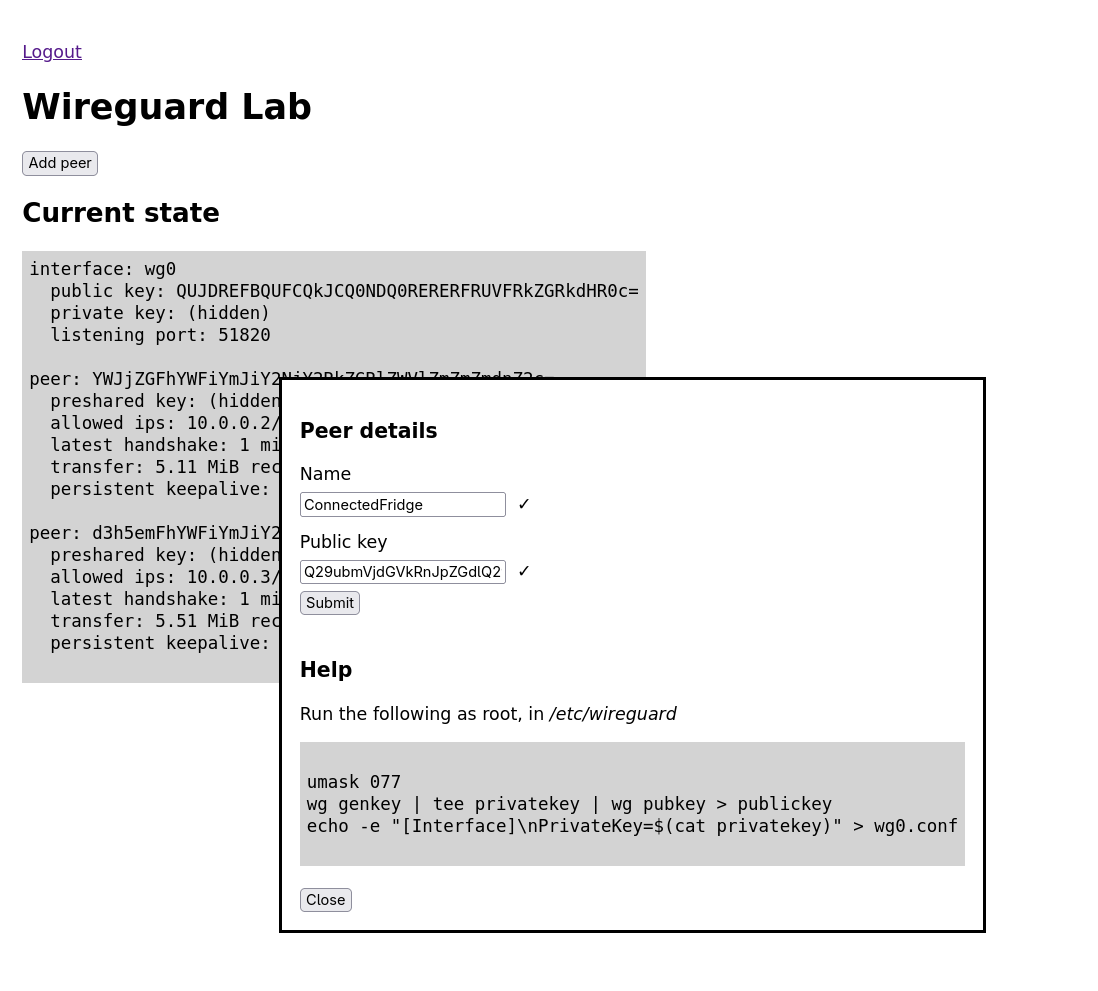
Wireguard Lab Panel
It may help deploying a new Wireguard server too.
The sources contains the installation steps, some tips to start a new server, systemd service files, SELinux module, etc.
On codeberg: https://codeberg.org/s1m/wg_lab_panel
Feel free to give feedback, on Mastodon, or in Codeberg issues.